Off-the-shelf software is the better choice when your work runs the way most businesses in your field run, because someone else builds, hosts, and updates it for you. Custom software is worth building when a process you run every day is specific to how you work, and your team is still typing the same information into several tools after you've tried setting up and connecting the ones you have. This post covers the signs to look for, the cheaper options to try first, what a first version should include, and what it takes to keep custom software running.
Signs you've outgrown spreadsheets and separate tools
The clearest sign is the same information being typed in more than once. A few others usually show up alongside it.
- The same information gets entered twice. A customer's name, address, and job details go into the quote, then a spreadsheet, then the invoice, and each copy is another chance for a typo.
- Nobody can see where a job stands without asking. Someone has to call the office, or find the person with the right spreadsheet open, to learn whether a job is scheduled, started, or finished.
- Reports get built by hand. Someone spends part of each week or month copying numbers from several places into one sheet so the owner can see how things are going.
- The process lives in one person's head. When that person is out, the work slows down or waits.
- Mistakes come from copying. The job was done right, but an old price or a wrong quantity got carried from one tool into the next.
Any one of these is common and may not be worth fixing on its own. When several show up in the same process, and that process runs every day, the hours and mistakes add up. That's the process to look at first.
What to try before building custom software
Before you build anything, try configuring the tools you already have and connecting them to each other. Both cost less than a build and take less time, and if they don't work out, you haven't lost much.
Configure what you already have
Many tools can do more than they've been set up to do. Custom fields, templates, required fields, and saved reports can take out a lot of manual work, and the vendor's support team can usually tell you what's possible. If someone builds the same report by hand every month, check whether the tool can produce it already.
Connect the tools you have
A lot of business software comes with built-in connections to other common tools, and automation services can pass information between tools that don't. A connection like this can create a job in your scheduling tool when a quote is approved, or add a new customer to your accounting software, so nobody types it twice.
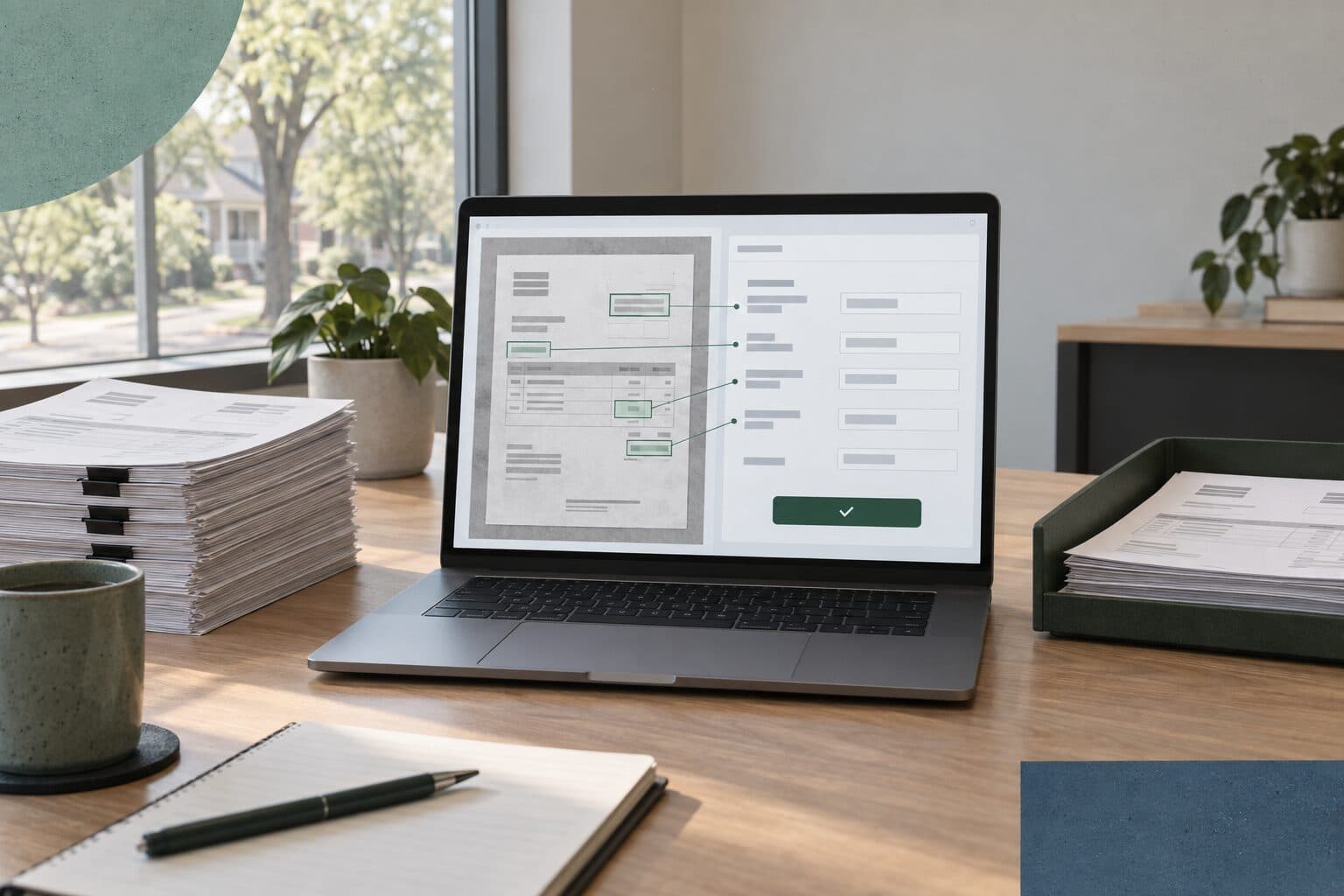
If part of the manual work is reading emails or forms and retyping what's in them, an AI tool may be able to handle that step. What AI consulting should include explains how to scope that kind of work.
Buy a product built for the job
If the process is common, like accounting, payroll, or scheduling a crew, there's probably software built for it. Someone else handles the hosting, updates, and security, and you can usually start right away. The trade-off is that your team follows the steps the software was designed around.
A good order to try these in is configure, connect, buy, then build. Move to the next step only when the one before it still leaves your team typing the same thing twice.
When is custom software worth it?
Custom software is worth it when a process is specific to how you work, runs often, and still needs manual work after you've tried the options above. A few things point toward building.
- The process runs daily or weekly, so a small saving repeats many times over a year.
- The way you do it is part of how your business works, like how you estimate, price, or schedule, and changing it to fit a product would cost you something.
- Information has to move between systems that have no connection to each other, and there isn't one you can buy.
- Several tools each hold part of the job, and nobody can see all of it in one place.
Two of our projects show what this looks like. Rose Landscape Services had estimating, job costing, and field tracking spread across separate tools, and we built one platform, Rose Hub, that brings them together. For Mahindra Parts Direct, there was no connector between the dealership's inventory system and selling online. We built one, so the dealership now sells parts online.
Custom doesn't have to mean replacing what you have. Often the useful piece is software that connects the tools you're keeping, so information is entered once and shows up wherever it's needed.
To check the numbers, estimate how many hours the manual work takes each month and what the mistakes cost you, then compare that with the cost to build and run the software. If it doesn't work out yet, a connection or a better spreadsheet can handle it for now.
Where a dashboard fits
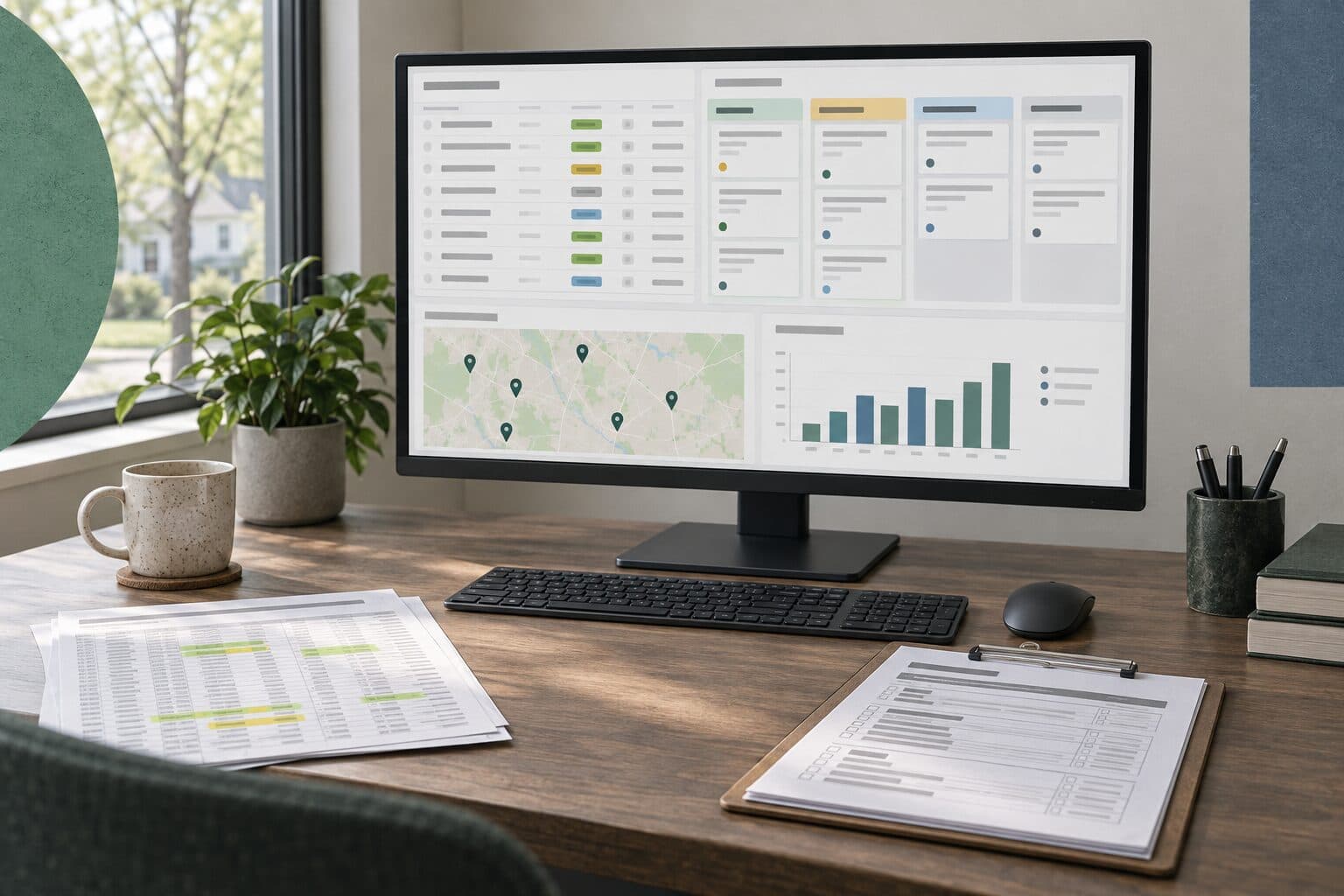
A dashboard puts what's already in your systems on one screen, so you can see what's scheduled, what's finished, and what's running late without asking anyone. It only works well once information is entered in one place. If the same job lives in three spreadsheets, a dashboard shows three versions of it, so fixing the double entry usually comes first.
If your information already lives in one system, check whether that system's own reports can show what you need before you pay for a custom dashboard.
What should a first version include?
A first version should handle one process from start to finish, well enough that your team stops using the old spreadsheet for it. That usually means these pieces.
- The one process that takes the most time or causes the most mistakes
- One place where each piece of information is entered, with everything else reading from it
- A view of where each job stands, for the people who currently have to ask
- The report someone builds by hand today, produced from the data instead
- Connections to the tools you're keeping, like your accounting software or online store
- Your existing records moved in, so the team starts with real data
- Logins that control who can see and change what
Leave out anything nobody has asked for yet. Once your team has used the first version on real work, the next additions are usually clear, and you'll be deciding from how people actually use it.
What custom software costs to run, and who owns it
Custom software has running costs after launch, and you should know them before you agree to the build. You should also have it in writing who owns the code, the data, and the accounts it runs on.
What it costs to keep running
Off-the-shelf software includes most of these costs in its subscription. With custom software they're separate, so ask about each one.
- Hosting for the application and its database
- Any paid services it relies on, like the tools it connects to or a service that sends email
- Security updates to the code it's built on, which come out regularly and need to be applied
- Repairs when a connected tool changes how it shares data, since the connection has to change with it
- Changes you ask for as the business changes
- Help for your team when something isn't working
What moves these costs is mostly how many systems the software connects to, how many people use it, and how much it has to change after launch. We host and support the software we build, and we go over those options while we plan the project, so the running cost is part of the decision from the start.
Who owns the code and the data
Settle ownership before the build starts, because it's harder to sort out later. Make sure the agreement answers these points.
- Who owns the data, and whether you can export all of it in a format a spreadsheet can open.
- Who owns the code, and whether you can get a full copy of it.
- Whose name the hosting and service accounts are in.
- Whether there's enough documentation for another developer to take over.
Ask about off-the-shelf software too. You won't own its code, but you should be able to export your data and know what happens to it if you cancel.
How a custom software project works
Our custom software projects go through four steps.
- Walkthrough. We walk through your current systems and paperwork to find where software can help. It's useful to have the spreadsheets, forms, and hand-built reports on hand, because they show what the software needs to do.
- Planning. We settle what to build first, what's in scope, and the budget. You get a quote, and nothing starts until you've agreed to it.
- Build and testing. We build the software, test it, and refine it with your team's feedback. The people who'll use it every day are the ones who notice what's missing, so their feedback shapes what changes before launch.
- Launch. We launch the software and help your staff get started with it. After launch, we can help with changes through a support plan or as separate work when you ask for them.
The software is built around the way your business already works, so your team doesn't have to change how they work to fit it.
Questions to ask before you build custom software
- Which process does the first version cover, and what will my team stop doing by hand?
- Have we tried configuring and connecting the tools we already have?
- Is there a product that already does this, and why doesn't it fit?
- What will it cost each month to host, update, and support once it's live?
- Who owns the code, the data, and the accounts, and how would I get a copy?
- What happens when one of the tools it connects to changes?
- Who helps my team get started, and who do we call when something breaks?
If the manual work starts on your website, like orders copied from the site into another system, WordPress, Shopify, or a custom build walks through choosing a platform. Our custom applications page shows the kinds of software we build, and our client projects include the two above. If you have a process in mind, tell us how it runs today and we'll look at where to start.